
- 语言
- JavaScript
- License
- NOASSERTION
- 分支
- main
安装
$ dsh plugin --profile web add github:zhijun-dai/Catppuccin-dsh-theme在终端中运行以上命令,通过 dsh CLI 安装此插件。可在右上角切换 Profile。 第一次用 dsh?看这篇新手教程
对话式安装
帮我安装 DeepSeek Harness 插件 zhijun-dai/Catppuccin-dsh-theme:先查看仓库 https://github.com/zhijun-dai/Catppuccin-dsh-theme 确认安全性,然后执行安装命令并验证插件加载成功。
把这段指令粘贴给 DSH Web GUI 里的助手,由它代你完成安装与验证。

 Catppuccin for DeepSeek Harness



English | 中文
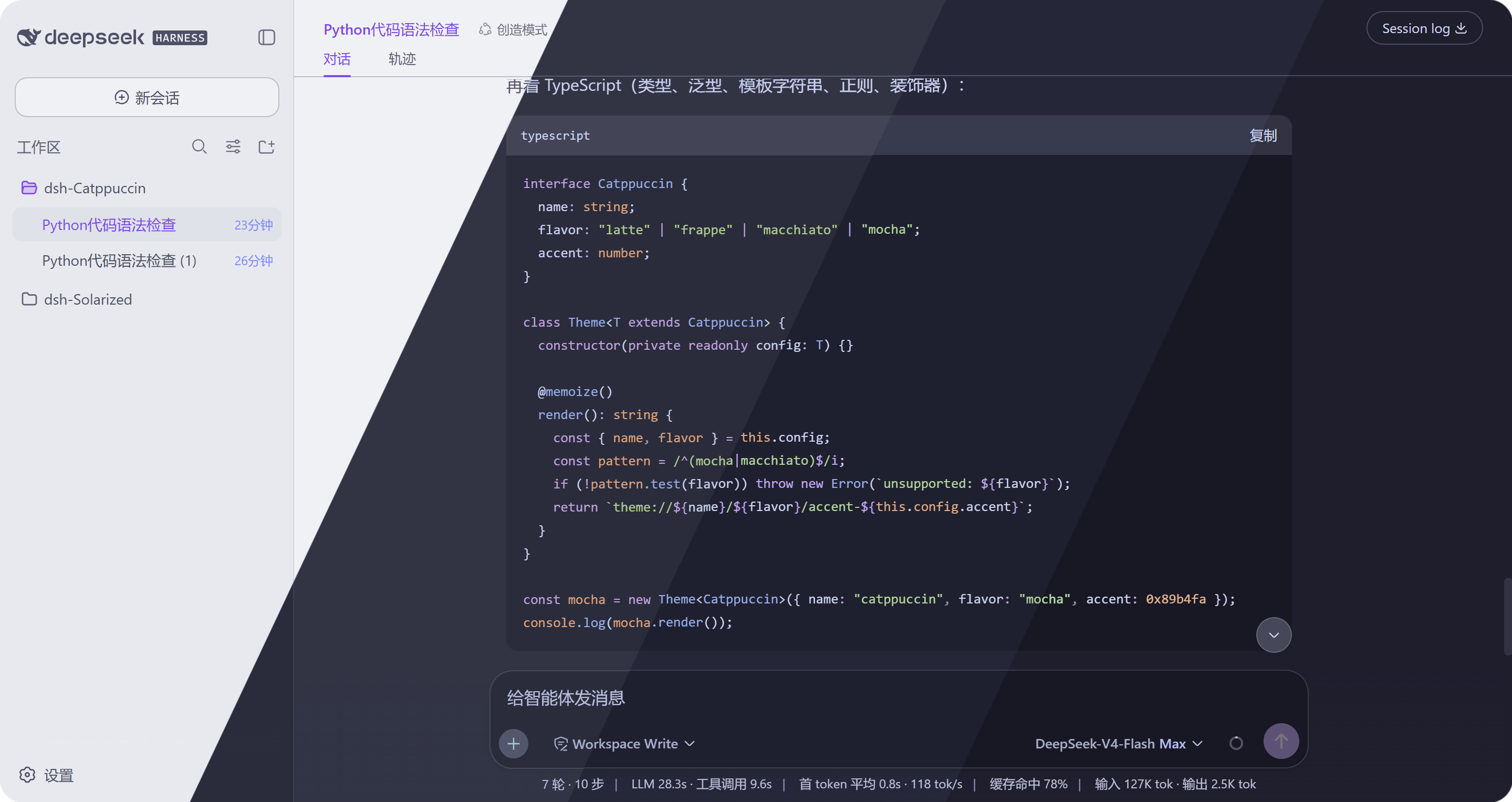
Previews
🌻 Latte
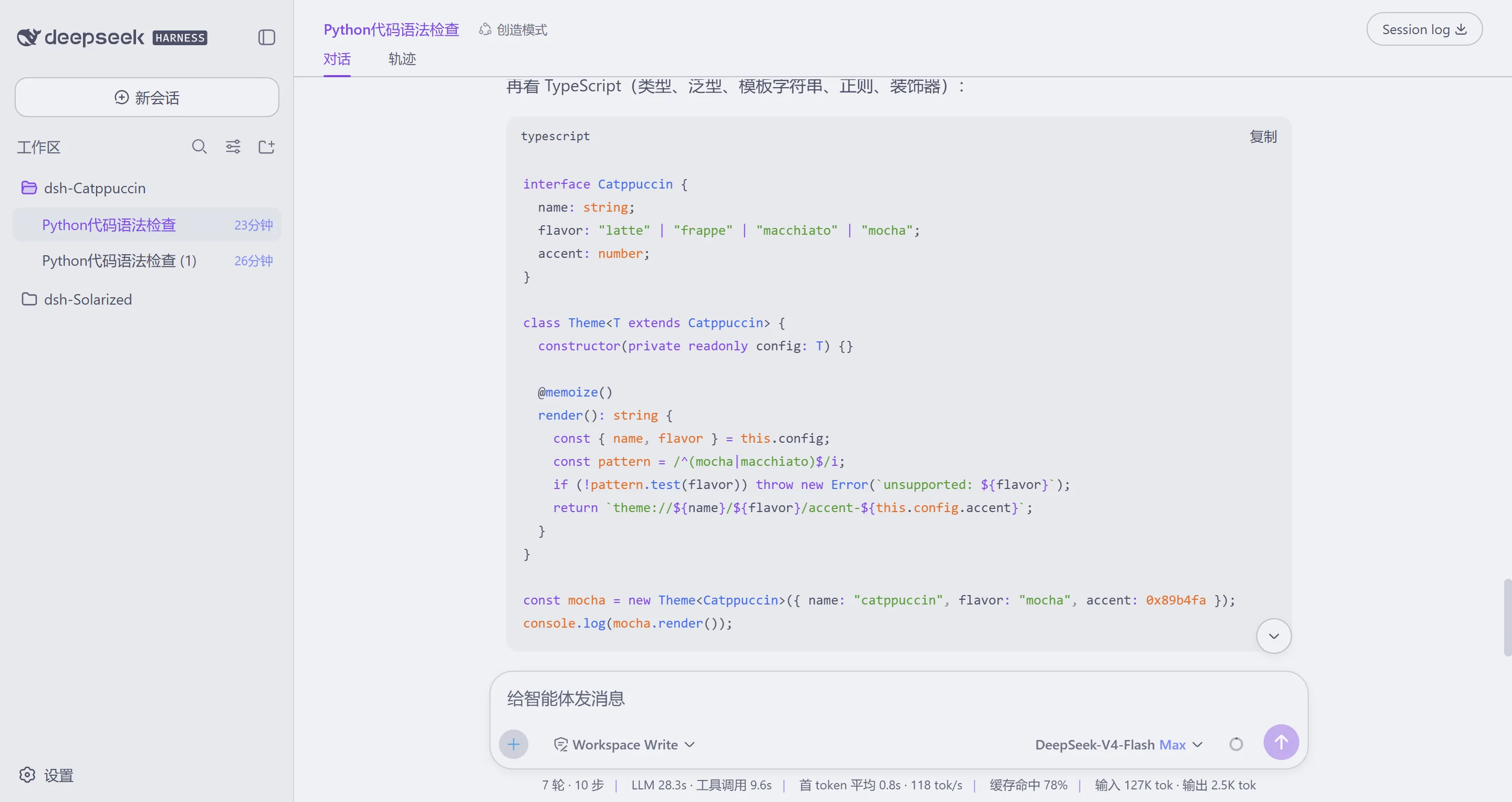
🪴 Frappé
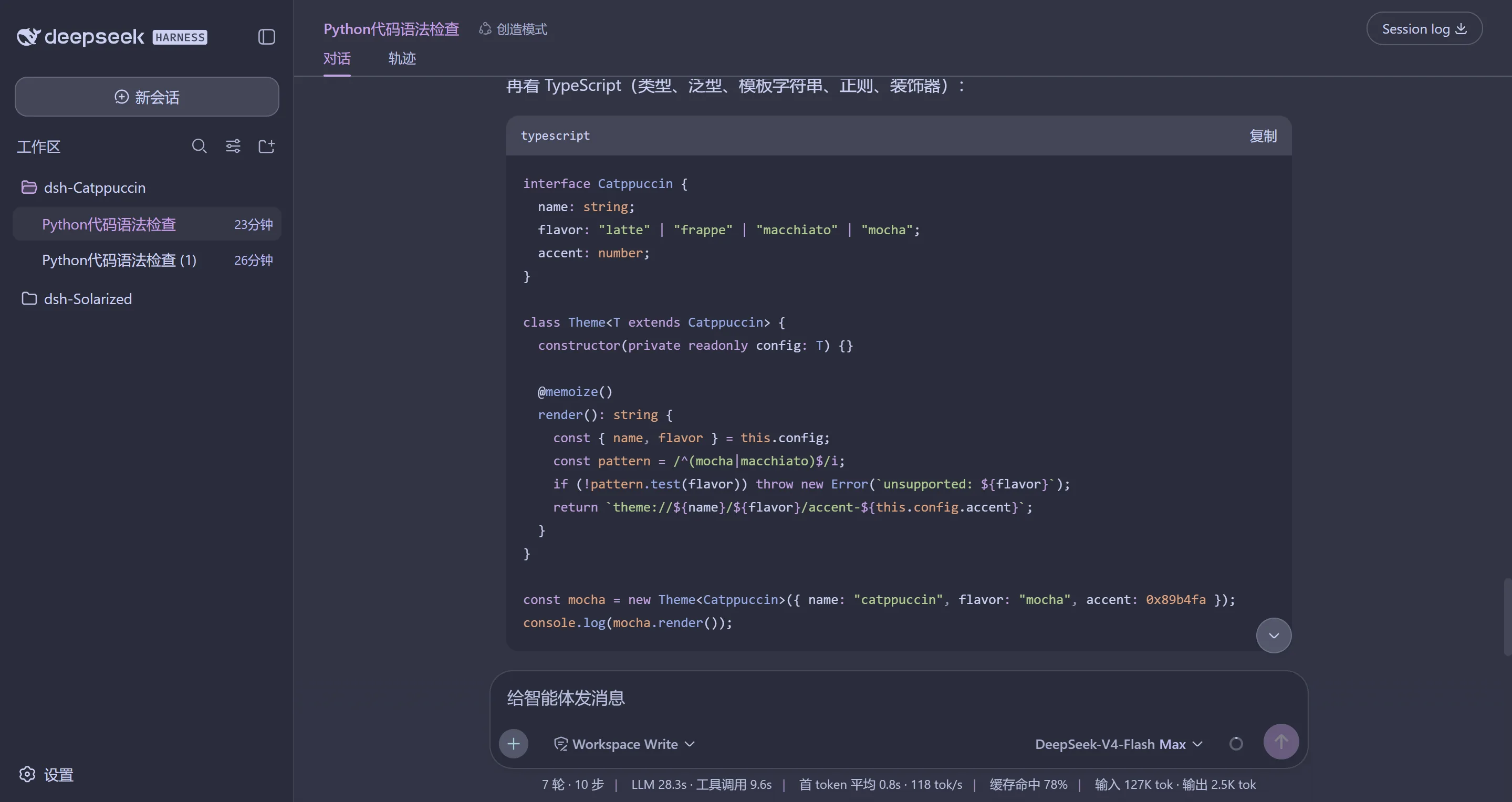
🌺 Macchiato
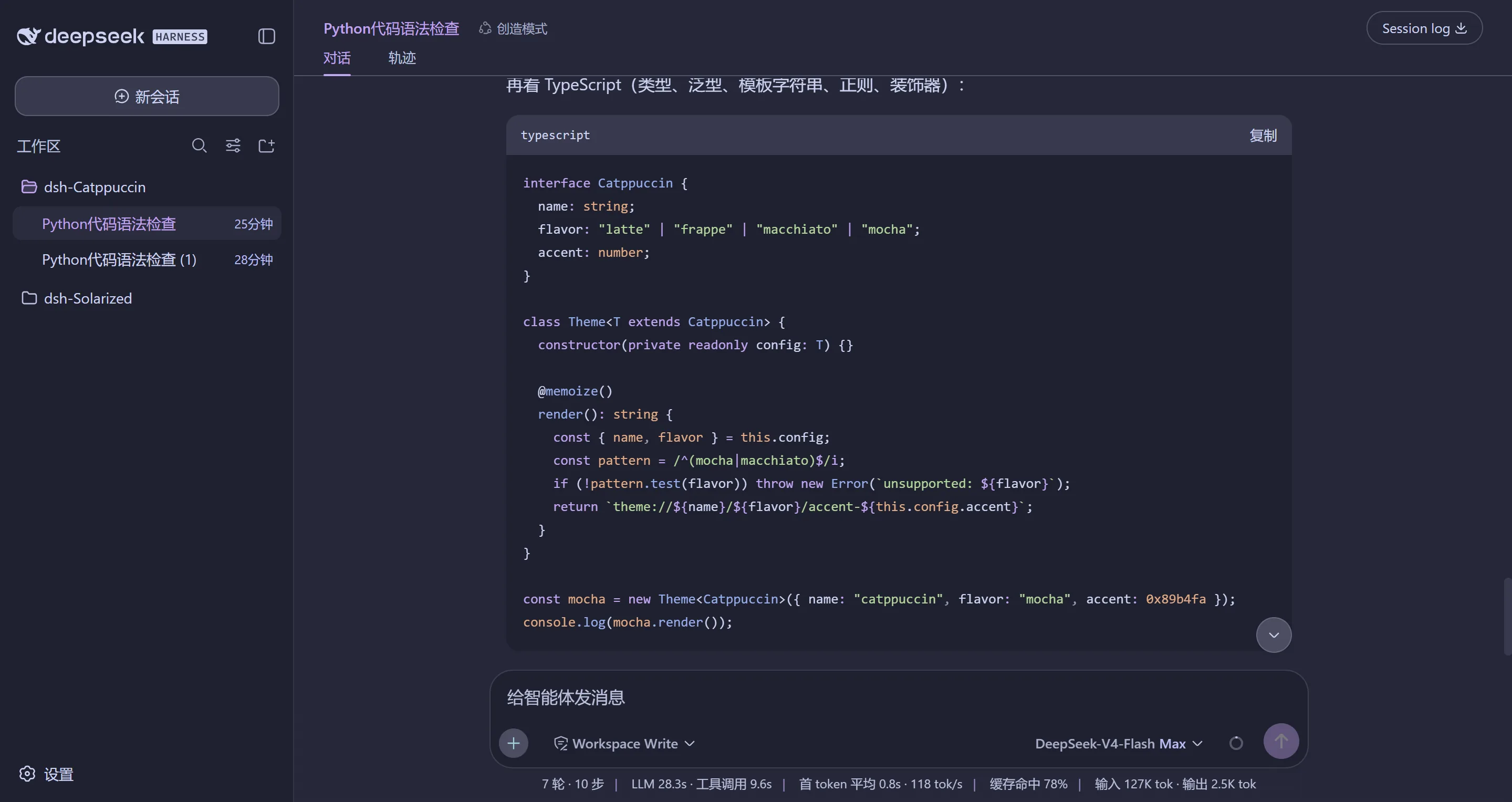
🌿 Mocha
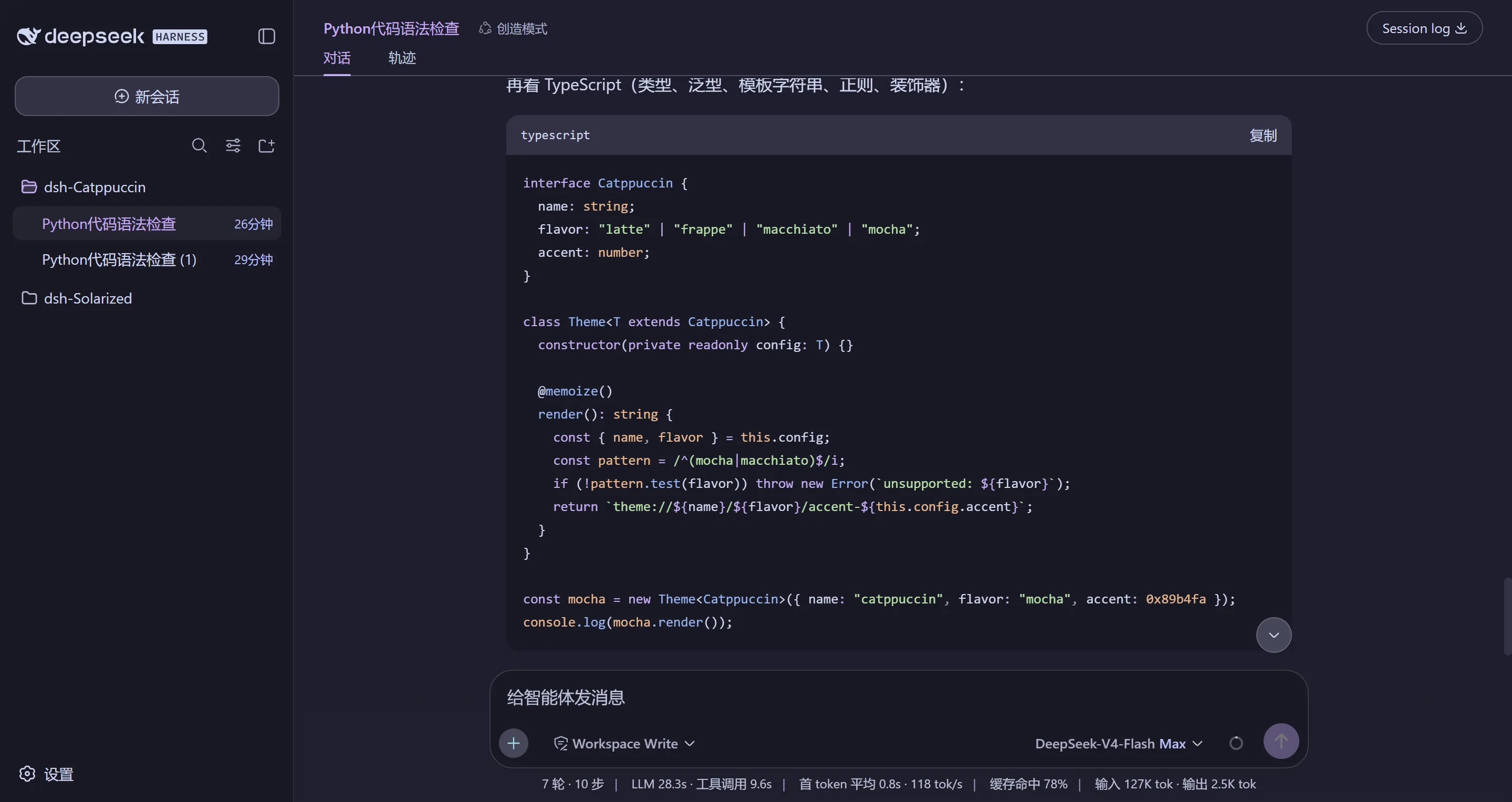
Features
- Complete, full Catppuccin colors — every color is a Catppuccin palette color; the default DeepSeek blue-gray never shows through.
- Classic mauve brand — the brand color follows the Catppuccin way: mauve, not the built-in blue.
- Your choice is remembered — the selected flavor persists per browser
in
localStorageand is re-applied at startup, even when the host re-asserts its own preference. - Component-level accents — beyond tokens, message bubbles, tool-call rows, code block tags, timestamps, the homepage headline and hover states are tinted from the palette, with a gradient headline on the empty workspace.
- Zero intrusion on Default — switching back to the built-in appearance restores it pixel-identical; no injected styles remain.
- Four flavors, dark and light — Latte is tuned separately from the dark flavors, so each flavor looks balanced on its own surface.
- Palette-pure — every value is a Catppuccin palette color or a mix of palette colors; nothing from outside the family.
Usage
This is a dual-face theme plugin for DeepSeek Harness (dsh). It registers the four Catppuccin flavors into the built-in theme runtime, so they appear as selectable skins in Settings → General → Catppuccin theme.
Install
From a GitHub repository:
dsh plugin --profile web add github:zhijun-dai/Catppuccin-dsh-theme
From a local checkout (the -w flag is required — the profile directory is a
pnpm workspace root):
dsh plugin --profile web add -w /path/to/Catppuccin-dsh-theme
From npm:
dsh plugin --profile web add dsh-catppuccin
The npm release may lag behind. For the latest version, use the GitHub install method above (a branch can be pinned with
#branch-name).
Restart the web server afterwards:
dsh web
Switch themes
Open the web UI, go to Settings → General, and pick one of the four
Catppuccin flavors (or Default to follow the built-in appearance). The
choice is stored per-browser in localStorage.
How it works
The theme definitions are generated from the official
catppuccin/palette palette.json
(never hand-edited). scripts/gen-themes.mjs maps the 26 Catppuccin colors per
flavor onto the --dsw-alias-* token directory from dsh's
@deepseek-ai/dsh-client-ui-theme stylesheets (including the --shiki-*
syntax palette and the leaked --dsw-static-deepseek-* static colors), writes
the per-flavor token tables to themes/, and embeds them into the browser
bundle lib/client.js.
node scripts/gen-themes.mjs
💝 Thanks to
- zhijun-dai
- Catppuccin
- KinGao294/dsh-skin — the reference theme plugin this port is modeled on
- DeepSeek

Copyright © 2026-present zhijun-dai

收录徽章

[](https://deepseek-plugin.org/plugins/zhijun-dai/Catppuccin-dsh-theme)把这段 markdown 粘贴到你的 GitHub README,链接回本插件详情页。徽章只声明已被本站收录,不代表安全认证。