Automatically syncs with a desktop pet while the DSH coding agent runs, displaying reaction bubbles for thinking, completed, error, or awaiting approval based on the agent's working status.

- Language
- TypeScript
- License
- MIT
- Branch
- main
Install
$ dsh plugin --profile web add @open-pets/dshRun the command above in your terminal to install this plugin via the dsh CLI. You can switch Profile in the top-right corner. New to dsh? Read the beginner tutorial
Install via your agent
Install the DeepSeek Harness plugin alvinunreal/openpets/packages/dsh for me: review the repository at https://github.com/alvinunreal/openpets first, then run the install command and verify the plugin loads successfully.
Paste this instruction to the DSH Web GUI assistant — it will install and verify for you.
One-Line Description
Integrates OpenPets desktop pet with DSH coding agent: automatically displays corresponding reaction bubbles and short phrases based on the agent's current state—thinking, error, or waiting for approval—visualizing the coding process without leaking any business data.
Core Features
- Listens to DSH's
agent/statusevent, mapping "thinking" state to thinking reaction, "completed" to success reaction - Listens to DSH's
agent/errorevent, immediately switches pet to error reaction and shows error message short phrase - Listens to DSH's
approval/requestevent, maps waiting-for-user-approval state to waiting reaction with "approval needed" prompt - Automatically dispatches local IPC client with 500ms timeout, bypassing remote channels, ignoring remote environment variables
- Uses preset phrase pool with validation internally to prevent code, URLs, paths, or keys from mixing into bubble text
- Suppresses success/idle reactions within 5 seconds after error events, avoiding visual confusion of "error immediately followed by completion"
Technical Implementation
- Language: TypeScript (ESM, compiled output in
dist/) - Key Dependencies:
@deepseek-ai/cordis(peerDep),@open-pets/agent-events(preset phrase pool & validation),@open-pets/client(local IPC client) - Architecture Pattern: Uses
dsh.bundle.patchto insert the Cordis moduleopenpets-dshintoapply(ctx, options)and registers it to the host context's three event hooks:agent/status,agent/error,approval/request; classifier only reads event classification values, dispatcher dispatches asynchronously, never blocking host flow - Entry File:
packages/dsh/src/index.ts(exportsapply,name, etc., loaded bycordis.patch.yml)
Use Cases
- DSH users want their desktop pet to reflect the coding agent's current work state (thinking, error, waiting for approval), gaining a more intuitive "companionship" feeling without any code or prompts being leaked.
- Lightweight DSH users who don't need remote pet control or want to call model tools via MCP need an out-of-the-box, strictly local integration.
- Scenarios where different DSH profiles want pet linkage enabled separately, while keeping it completely decoupled from other OpenPets plugins/remote MCP configurations.
Prerequisites & Compatibility
| Dependency | Min Version | Description |
|---|---|---|
@deepseek-ai/cordis | ^4.0.1 | Declared as peerDependencies, DSH host must bring this core library |
@open-pets/agent-events | workspace | Provides preset phrase pool for event classification and bubble text validation |
@open-pets/client | workspace | Provides local IPC client capability |
| OS | Not declared | Client internally uses @open-pets/client via local IPC, can run cross-platform |
No minimum Node version or platform restrictions are declared in the source code.
Installation
dsh plugin --profile web add github:alvinunreal/openpets/packages/dsh
Configuration
| Config | Type | Description | Default |
|---|---|---|---|
| This plugin needs no extra config | — | Takes effect immediately after installation via dsh plugin --profile web add; OpenPetsDshOptions fields (clientFactory/schedule/random/now) are only for host test injection | — |
FAQ
Q: Where will this plugin be installed in DSH?
A: It's installed to the specified profile via dsh plugin --profile web add; to enable it for multiple profiles, run the same command for each profile separately.
Q: After enabling, will my code or prompts be sent to the pet?
A: No. The classifier only reads the status classification value from the event envelope, and bubble text is drawn from a preset phrase pool in agent-events; messages are forcibly validated to not contain sensitive content like URLs, file paths, or keys, and no prompts or tool results are forwarded.
Q: What's its relationship with OpenPets' built-in remote MCP?
A: This plugin is completely localized, uses a local IPC client with 500ms timeout to communicate with the desktop application, and explicitly ignores OPENPETS_REMOTE_ENDPOINT/TOKEN environment variables in test cases; remote MCP can still be configured independently without interference.
Q: Will pet reactions block DSH?
A: No. All classification and dispatch are asynchronous, scheduled via scheduler (default Promise.resolve().then) into the event loop, with injectable schedule replacement for host testing; dispatch exceptions are silently swallowed and never passed back to DSH main flow.
Q: After an error, the pet takes a few seconds to show "completed"—is this a bug?
A: It's intentional. The source code constant errorSuccessSuppressionMs = 5_000 suppresses success/idle reactions within 5 seconds, letting the error state be seen first; if you don't want to wait, you can temporarily shut down the backend, wait, or contact the author to adjust the threshold.
Q: How to uninstall?
A: Use the DSH bundle removal command for the corresponding profile; the plugin doesn't write any persistent files and is immediately invalidated after deletion.
Getting Started Difficulty
Beginner — one-line installation command to enable, no external services, remote credentials, or additional config items required; after DSH starts, the pet automatically switches reactions with the agent state.
Known Issues & Limitations
- No TODO/FIXME/known defects marked in the source code found;
runtime.test.tsalready covers the three core paths: classification mapping, suppression window, and remote variable ignoring. - Behavioral inherent limitations (design, not bugs):
- success/idle within 5 seconds after error reaction are silently suppressed, which may feel "delayed".
- Only supports preset 4 types (thinking/success/error/permission) of short phrases, cannot customize bubble text.
- Only recognizes three event types:
agent/status,agent/error,approval/request; other DSH events are directly ignored by the classifier. - Forced to use local IPC; if users configure remote OpenPets endpoints, this plugin will also ignore it, leaving remote channel handling to other plugins/CLI only.
A desktop companion platform with pets, plugins, and optional local agent integrations.
OpenPets puts an animated companion on your desktop, then lets plugins turn it into a focus buddy, reminder system, tiny game, launcher, or coding-agent sidekick.
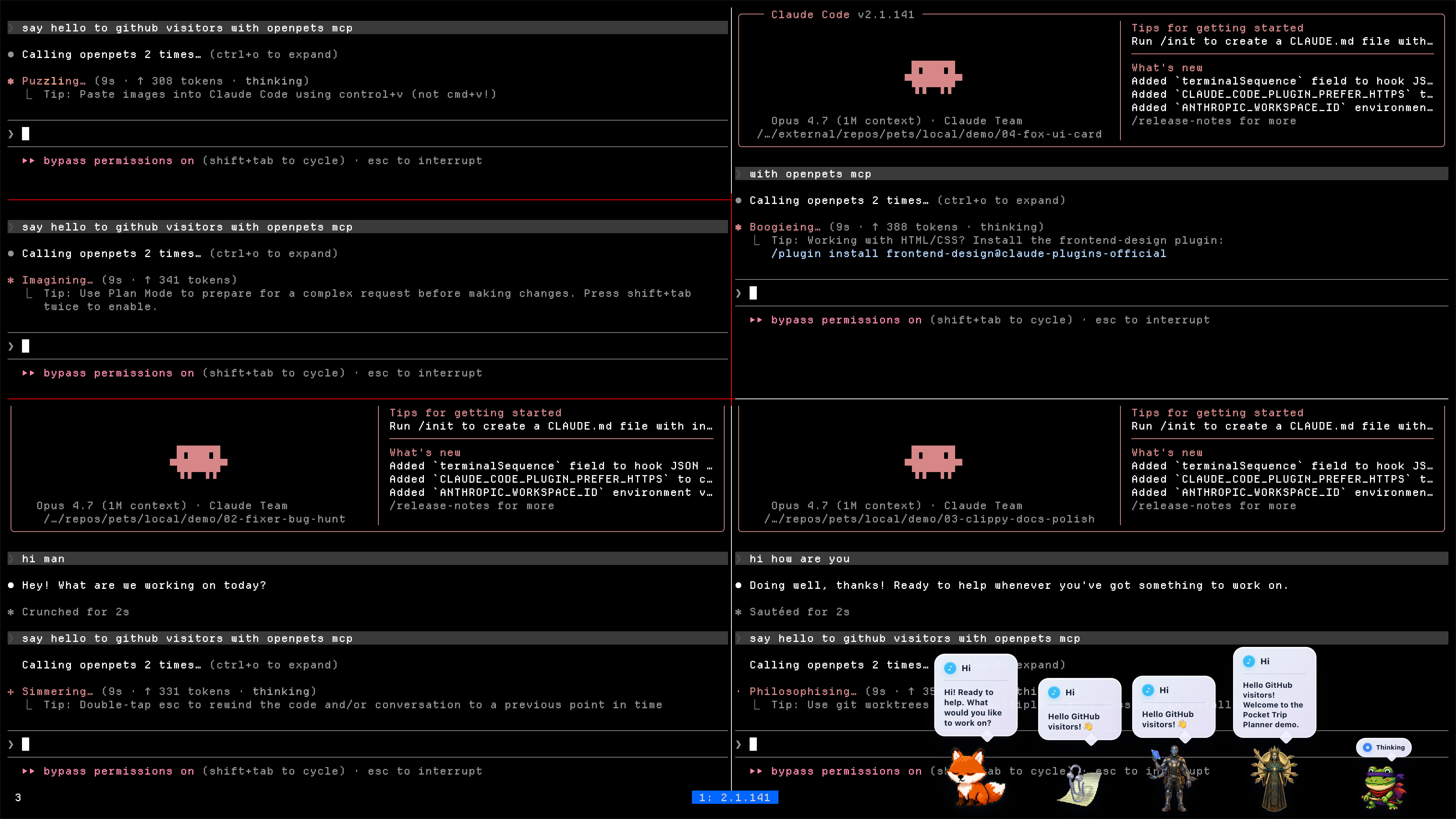
by Boring Dystopia Development



Read this in: English | 日本語 | 한국어 | 简体中文 | 繁體中文 | Português (Brasil) | Español (LatAm)
Download OpenPets
Download the latest OpenPets desktop release and launch it. A pet appears immediately; no agent setup required.
- Desktop pets: animated companions that idle, wander, react, and keep your workspace from feeling empty.
- Official plugins: focus timers, reminders, mood check-ins, mini games, launch shortcuts, hydration nudges, and virtual-pet stats.
- Plugin SDK v3: a sandboxed JavaScript/TypeScript runtime for building new pet abilities with permissions, quotas, storage, schedules, commands, panels, events, audio, notifications, and more.
- Optional agent layer: Claude Code, OpenCode, Cursor, Pi, and MCP clients can drive local pet reactions without exposing prompts, code, paths, logs, or secrets in speech bubbles.
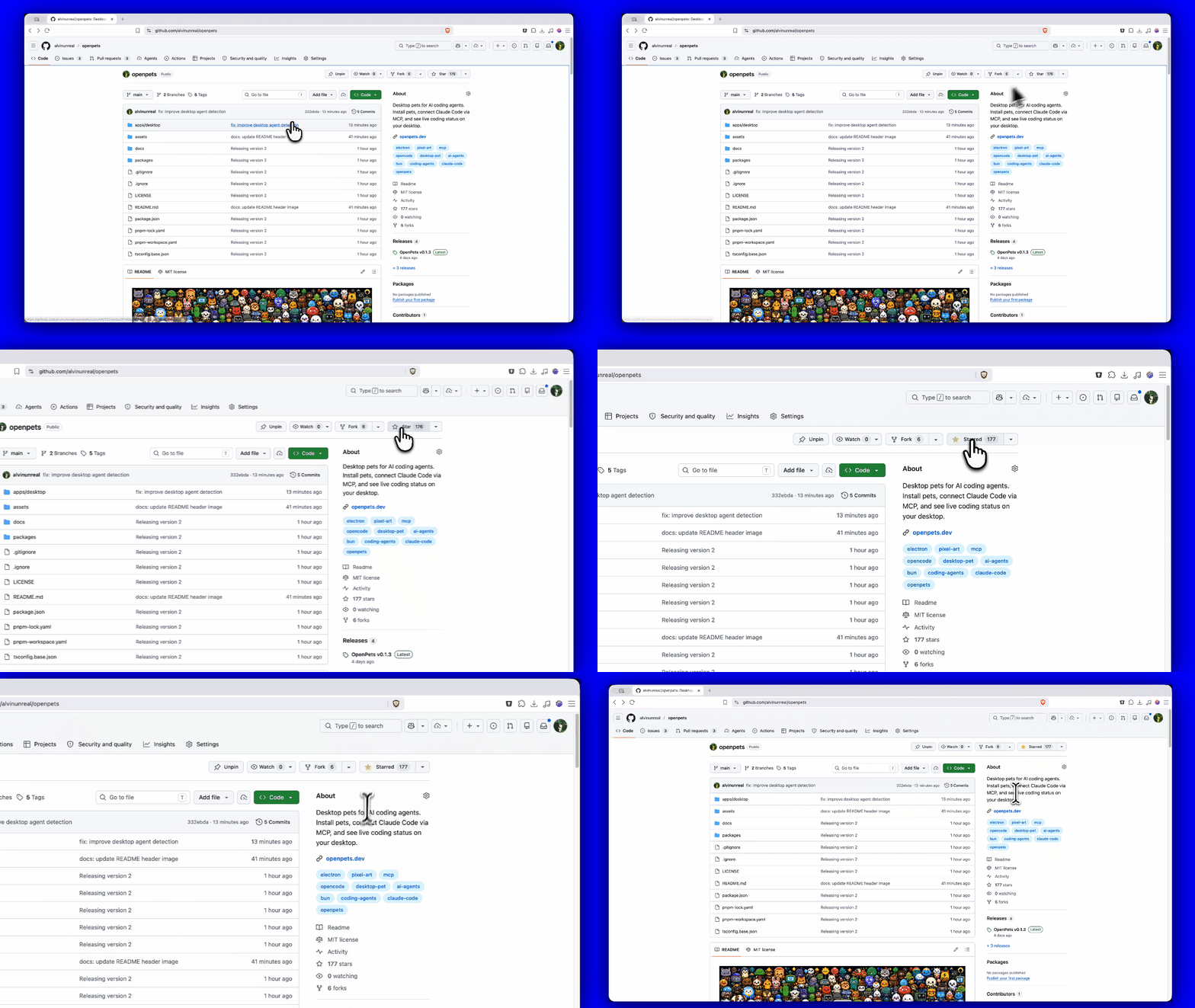
Star OpenPets
If OpenPets makes your coding setup or desktop workspace a little more fun, please give the repo a star.
For Users: Getting Started
You do not need to be a developer or connect any AI agents to enjoy OpenPets. The desktop app is fully functional out of the box with the official plugin lineup.
1. Install OpenPets Desktop
Download the package for your operating system from OpenPets Releases:
- macOS Apple Silicon:
OpenPets-*-mac-arm64.dmg - macOS Intel:
OpenPets-*-mac-x64.dmg - Windows:
OpenPets-*-win-x64-setup.exe - Linux:
OpenPets-*-linux-x86_64.AppImage
Note: Windows release installers are signed. macOS builds may still be unsigned and can trigger a security warning; if macOS blocks execution, remove the quarantine flag via terminal:
xattr -dr com.apple.quarantine /Applications/OpenPets.app
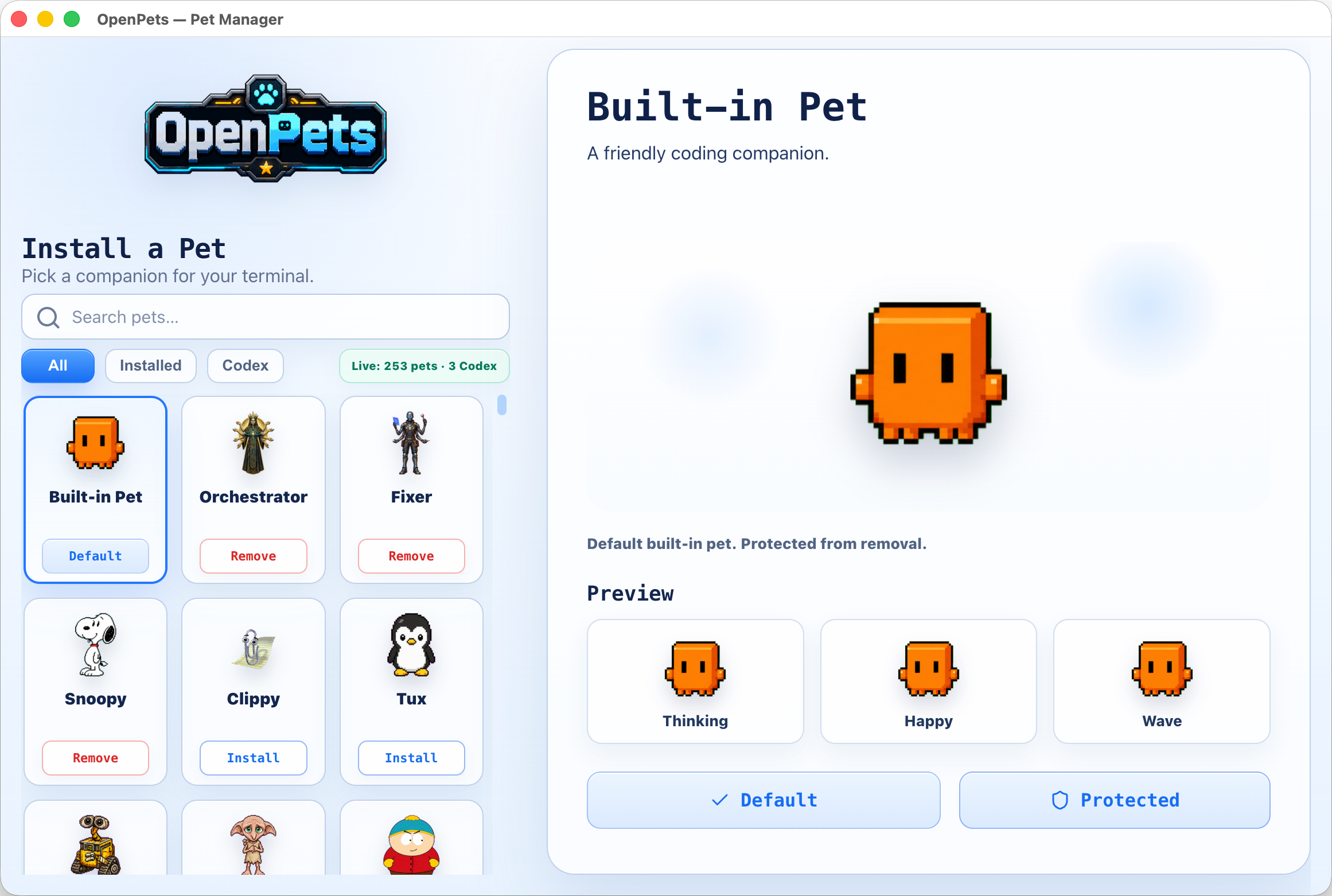
2. Manage and Customize Pets
Browse installed pets, preview their animation frames, and configure which pet monitors each workspace or agent window from the built-in Pet Gallery.
3. Enable Official Plugins
OpenPets v3 ships with a modular Official Plugin Catalog. Enable or configure plugins via the desktop Control Center to add focus timers, reminders, and mini interactive games.
Shipped official lineup
- Day Routine: Tracks habits and reminds you to stretch or step away.
- Focus Buddy: Pomodoro-style focus timers to manage work cycles.
- Fortune Cookie: Cracks open randomized daily advice and wisdom.
- Launch Buddy: Allows registering shortcut commands to quickly open local folders, projects, or applications.
- Magic 8 Ball: Ask questions and receive playful, randomized answers from your pet.
- Mood Check-in: Periodically checks in on your mood to support emotional well-being.
- Reminders: Renders snoozeable, bell-alert notifications with custom audio tones.
- Virtual Pet: Turns your desktop companion into a Tamagotchi-style pet with hunger, affection, and energy levels tracked via a live status pin.
- Water Reminder: Keeps you hydrated with regular, customizable drinking prompts.
Plugin Platform & SDK v3
The OpenPets plugin system offers a secure, developer-friendly SDK (@open-pets/plugin-sdk) for creating custom companion behavior.
Security & Architecture
- Sandboxed Runtime: Each JS plugin runs inside a sandboxed BrowserWindow host environment.
- Host-Rendered UI: Plugins describe actions, HUDs, and notifications; the desktop host renders them. HTML/JS code cannot render raw HTML or execute arbitrary scripting inside a pet window.
- Permissions Model: Permissions must be declared in the manifest and approved by the user at install. Flagged sensitive APIs (like
voice:listen,clipboard, andpet:speak:dynamic) require explicit consent toggles. - SSRF & Private Host Guards: Network fetch requests are limited to developer-declared hostnames and guarded against local SSRF.
The SDK surface (ctx)
Plugins hook into the desktop environment via the ctx object, exposing:
ctx.pets/ctx.pet: Manage default and spawned pet instances: spawn, move, animate, and react.ctx.ui: Alerts, transient/pinned bubbles, custom menus, panels, and status HUDs. Pinned mini HUD bubbles support compact 2x2 grid layouts with progress bars, such as Virtual Pet stats.ctx.audio: Trigger host-managed alert tones or user-imported custom audio.ctx.schedule: Set precise timer hooks (once,every,daily,cron,at).ctx.ai/ctx.secrets: Hook into the user's host-configured AI provider (Anthropic, OpenAI, Ollama) without exposing API keys to the plugin source.ctx.storage: Simple JSON key-value store with change subscriptions.- Other APIs:
events,assets,bus,net(with streaming support),notify,voice(TTS & push-to-talk STT),auth(PKCE browser flow),files(secure picked OS dialogs),system,commands,status, andlog.
Developer Tools & Commands
Create, validate, and test plugins using the official CLI.
1. Scaffold a new plugin
Create a template from any of the official layouts (blank, reminder, ambient, ai-chat, tamagotchi, calendar):
npx @open-pets/cli plugin new "My Plugin" --template tamagotchi
2. Validate
Verify manifest layout, permissions, and configuration schemas before packing:
npx @open-pets/cli plugin validate ./my-plugin
3. Test harness
Write deterministic tests without launching the desktop app. Using @open-pets/plugin-sdk/testing's createTestHarness, you can mock the host, advance clocks, trigger actions, and verify reactions:
import { createTestHarness } from "@open-pets/plugin-sdk/testing";
import { register } from "./index.js";

const h = createTestHarness(register, { permissions: ["pet:speak", "schedule"] });
await h.start();
h.expectScheduled("decay");
await h.clock.advance("30m");
h.expectSpoke(/need attention/i);
Run plugin tests from your plugin project:
npm test
Advanced: Agent Integrations
If you want your development agent to drive your desktop companion, OpenPets provides an optional local MCP (Model Context Protocol) integration layer.
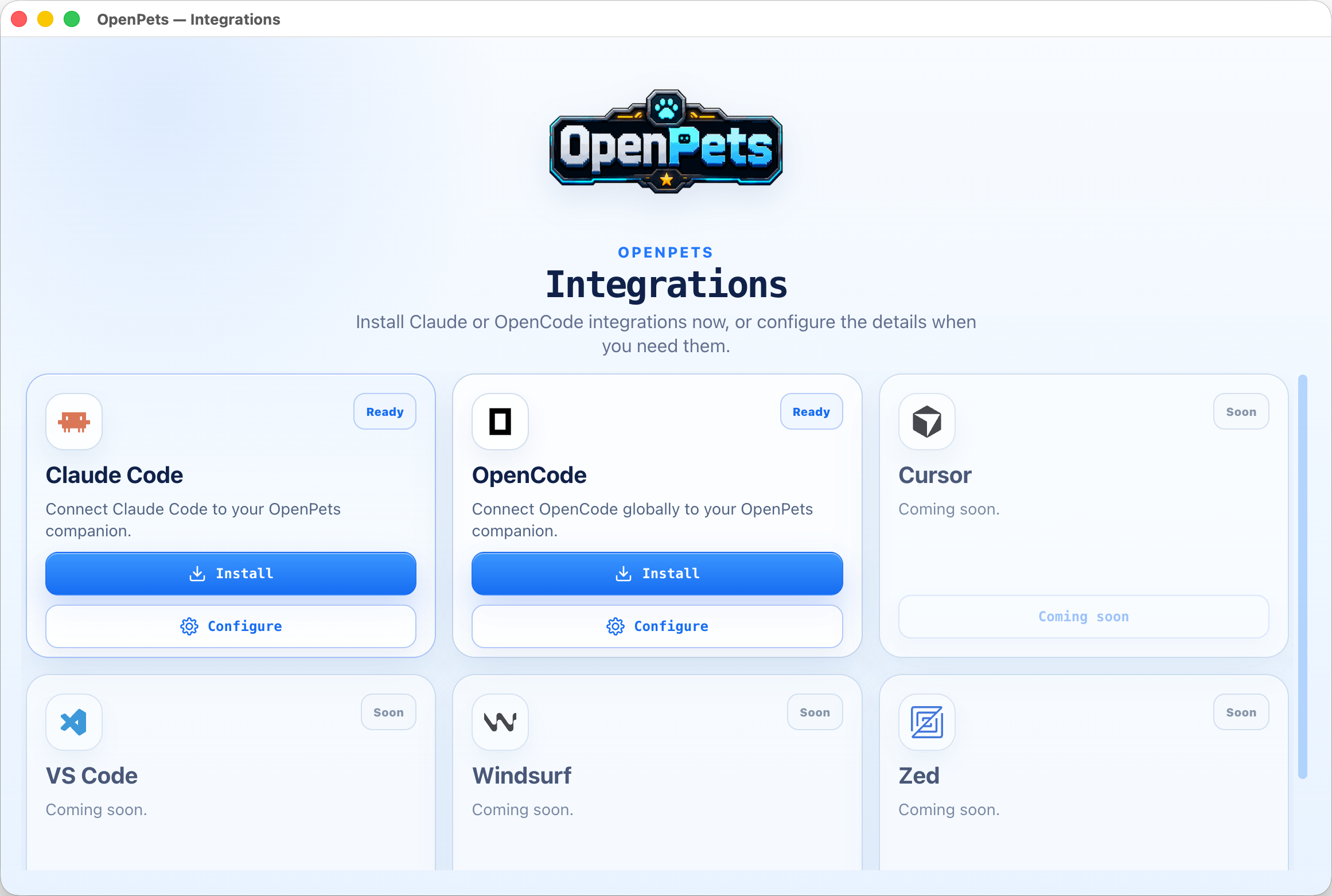
How it works
When you configure an agent, OpenPets exposes standard MCP tools. The agent can trigger animations, change status, and display text bubbles locally:
- Claude Code: Installs OpenPets MCP, memory instructions in
~/.claude/CLAUDE.md, and hooks in~/.claude/settings.json. - OpenCode: Installs OpenPets MCP, custom project instruction files, and the
@open-pets/opencodeautomatic hook plugin. - Cursor / Other MCP Clients: Register OpenPets as a standard stdio or TCP MCP server.
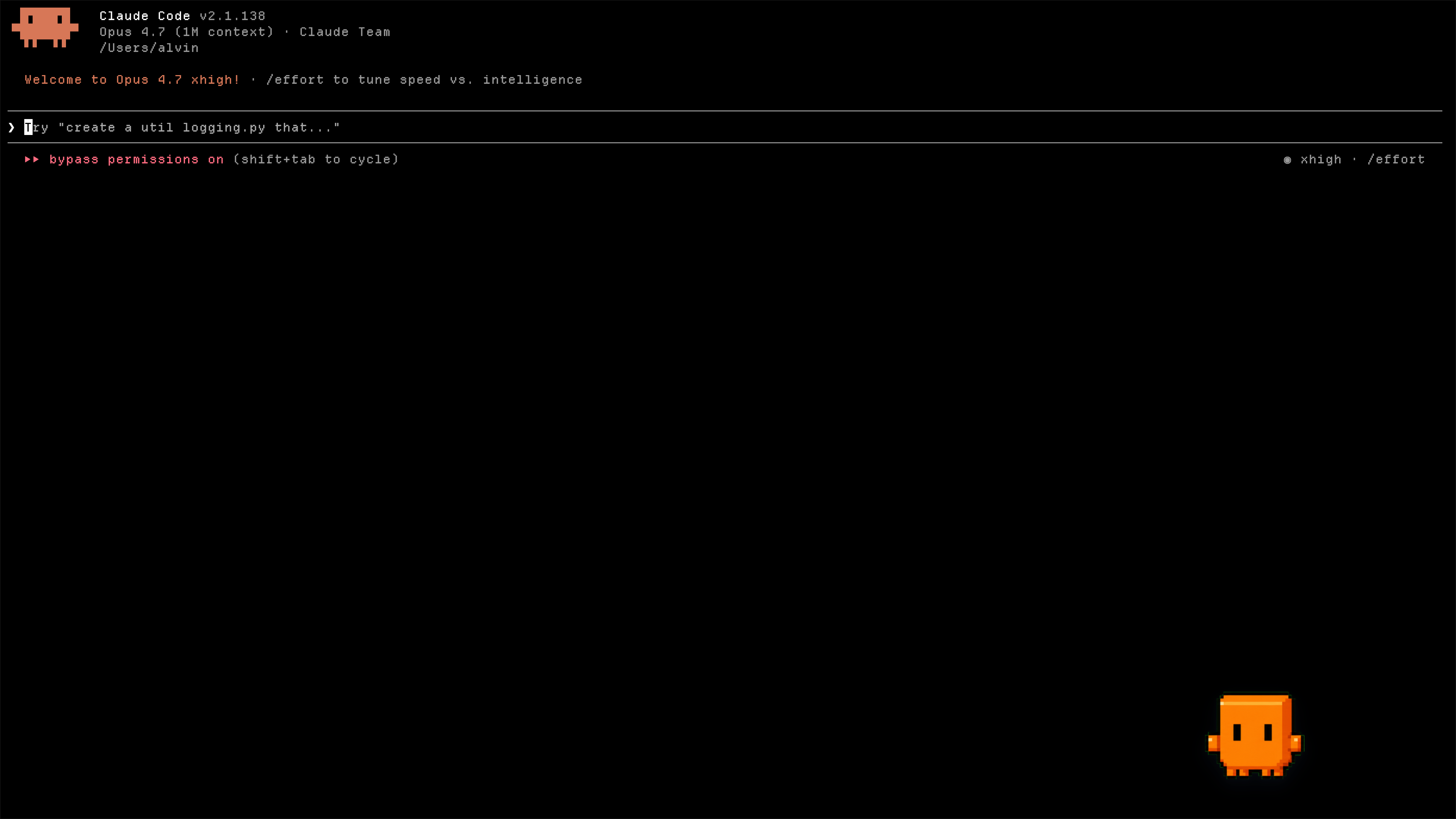
Diagnose your setup
Check whether the Claude hook and project Cursor MCP integrations are installed, need an update, or are broken, and whether the desktop app is reachable:
npx @open-pets/cli doctor
Pass --cwd <path> to inspect a different project's .cursor/mcp.json, or --json for machine-readable output. The command exits non-zero only when an integration is broken, so it is safe to run before reporting a bug.
MCP Server Configuration
To run OpenPets as an MCP tool, add the server to your agent's configuration:
{
  "mcpServers": {
    "openpets": {
      "type": "stdio",
      "command": "npx",
      "args": ["-y", "@open-pets/mcp@latest"]
    }
  }
}
Tip: To target a specific pet, pass the --pet <petId> argument.
Available MCP Tools
openpets_status: Retrieve target pet ID and check runtime connectivity.openpets_react: Set pet reaction animations (e.g.,thinking,editing,testing,success,error).openpets_say: Display a short speech bubble.
Local Privacy & Safety
- All automated reactions run on static local triggers (e.g., when a command runs or a file is written).
- Speech content is validated to prevent leaking sensitive variables, paths, secrets, or multiline code snippets.
- Real-time interaction requires a local discovery token write/read, protecting the IPC bridge from external network triggers.
Development Workspace
For contributing to the OpenPets codebase, testing changes, or building the desktop packages locally.
Prerequisites
- Node.js: version 20 or higher
- pnpm: version 11 or higher
- TypeScript: compiler support
Commands
Install project workspace dependencies:
pnpm install
Launch the Electron application in local developer mode:
pnpm dev:desktop
Launch with live official plugins loaded and monitored:
pnpm dev:desktop:plugins
Run workspace typechecking, code-conformance validations, and tests:
pnpm check
pnpm typecheck
pnpm test
Package the desktop application:
# Build & package into target OS directory
pnpm package:desktop:dir

# Build & package into final installer / setup archives
pnpm package:desktop
Workspace Structure
apps/desktop              Electron desktop application
packages/client           @open-pets/client (IPC helper library)
packages/mcp              @open-pets/mcp (Model Context Protocol stdio server)
packages/claude           @open-pets/claude (Claude integrations, memory, & hooks)
packages/opencode         @open-pets/opencode (OpenCode plugins & instruction configs)
packages/pi               @open-pets/pi (Pi CLI extension integration)
packages/agent-events     Shared sanitizers and events helper package
packages/cli              @open-pets/cli (User entry point CLI for configuration & scaffolding)
packages/sdk              @open-pets/plugin-sdk (Plugin SDK v3 declarations & testing harness)
packages/pet-format       @open-pets/pet-format (Pet manifest and schema types)
plugins/official          Official first-party plugin workspace (bundled with host catalog)
docs/                     Technical specifications and architecture documentation
Documentation
Explore detailed architectural and platform documentation inside the docs/ folder:
docs/architecture.md- The one-page mental model: runtime topology, package spine, end-to-end flows.docs/desktop.md- The Electron app: process model, tray-first UX, Control Center, security model.docs/agent-integrations.md- How Claude Code, MCP, OpenCode, Cursor, and Pi are configured.docs/plugins.md- Plugin platform SDK v3 manifest, permissions, and sandboxed runtime.docs/sdk.md- Public SDK v3 contract for plugin authors: capability namespaces, permission surface, test harness.docs/catalog.md- Pet and plugin catalog contracts: v3/v2, pagination, install artifacts.docs/development.md- Developer experience: monorepo layout, command surface, dev modes.docs/testing-and-validation.md- Quality gates: behavior tests, runtime checks, release validators.docs/release.md- Application packaging and release processes.
Ownership & Promise
OpenPets is developed and maintained by Boring Dystopia Development. No foundation, no investors, no hidden agenda — an open project with a named owner. The deal, stated plainly:
- The code is MIT, and stays MIT. Fork it, ship it, remix it, hatch your own pets.
- Local-first, forever. No accounts, no sign-ups, no central AI server. AI features run through connections you configure, with your keys, on your machine.
- The catalog is a convenience, not a leash. Pets and plugins are fetched from
openpets.dev, but the app is fully functional without it. - Users are not the business. OpenPets will never paywall core features, the plugin SDK, or agent integrations — and it will never sell you content you could make yourself for free.
If you want to support the project: star the repo, hatch a pet, share it with a friend.
Safety and Privacy
- Local-Only: OpenPets IPC works using a local socket/named pipe, secured with a per-run random security token.
- SSRF Safety: Plugin network connections are restricted to approved domains and blocked from local network/private IP access.
- Dynamic Content Sanitization: Any dynamic AI-speech text runs through strict local filters to redact paths, URLs, secrets, or multiline code snippets.
- Sensitive Permission Consent: Features accessing clipboard, microphone, or dynamic AI responses are off by default and require explicit user opt-in.
Code signing policy
OpenPets Windows release artifacts are built only by the project's GitHub Actions trusted-build workflow and signed through the configured SignPath release policy. The canonical public policy is openpets.dev/code-signing-policy.
- Maintainer, committer, reviewer, and signing approver: Alvin Unreal.
- Review: Changes to release workflows, signing configuration, or Windows packaging require maintainer review before release approval.
- Scope: SignPath signing is limited to official OpenPets open-source release artifacts.
- Signing ops: The SignPath GitHub workflow may pause on release-signing requests that need approver review; approvals must be completed in the SignPath dashboard before publishing proceeds.
- Privacy: See the Privacy & network behaviour policy.
Free code signing provided by SignPath.io, certificate by SignPath Foundation.
Read the usage guide →
Install steps, key points, FAQ and compatibility for this plugin — auto-derived from indexed fields.
Listing badge

[](https://deepseek-plugin.org/plugins/alvinunreal/openpets/packages/dsh)Paste this markdown into your GitHub README to link back to this listing. The badge only states the listing — not a security endorsement.