Support dsh runtime on Multica.

- Language
- TypeScript
- Branch
- main
Install
$ dsh plugin --profile web add github:multica-ai/dsh-multica-runtimeRun the command above in your terminal to install this plugin via the dsh CLI. You can switch Profile in the top-right corner. New to dsh? Read the beginner tutorial
Install via your agent
Install the DeepSeek Harness plugin multica-ai/dsh-multica-runtime for me: review the repository at https://github.com/multica-ai/dsh-multica-runtime first, then run the install command and verify the plugin loads successfully.
Paste this instruction to the DSH Web GUI assistant — it will install and verify for you.
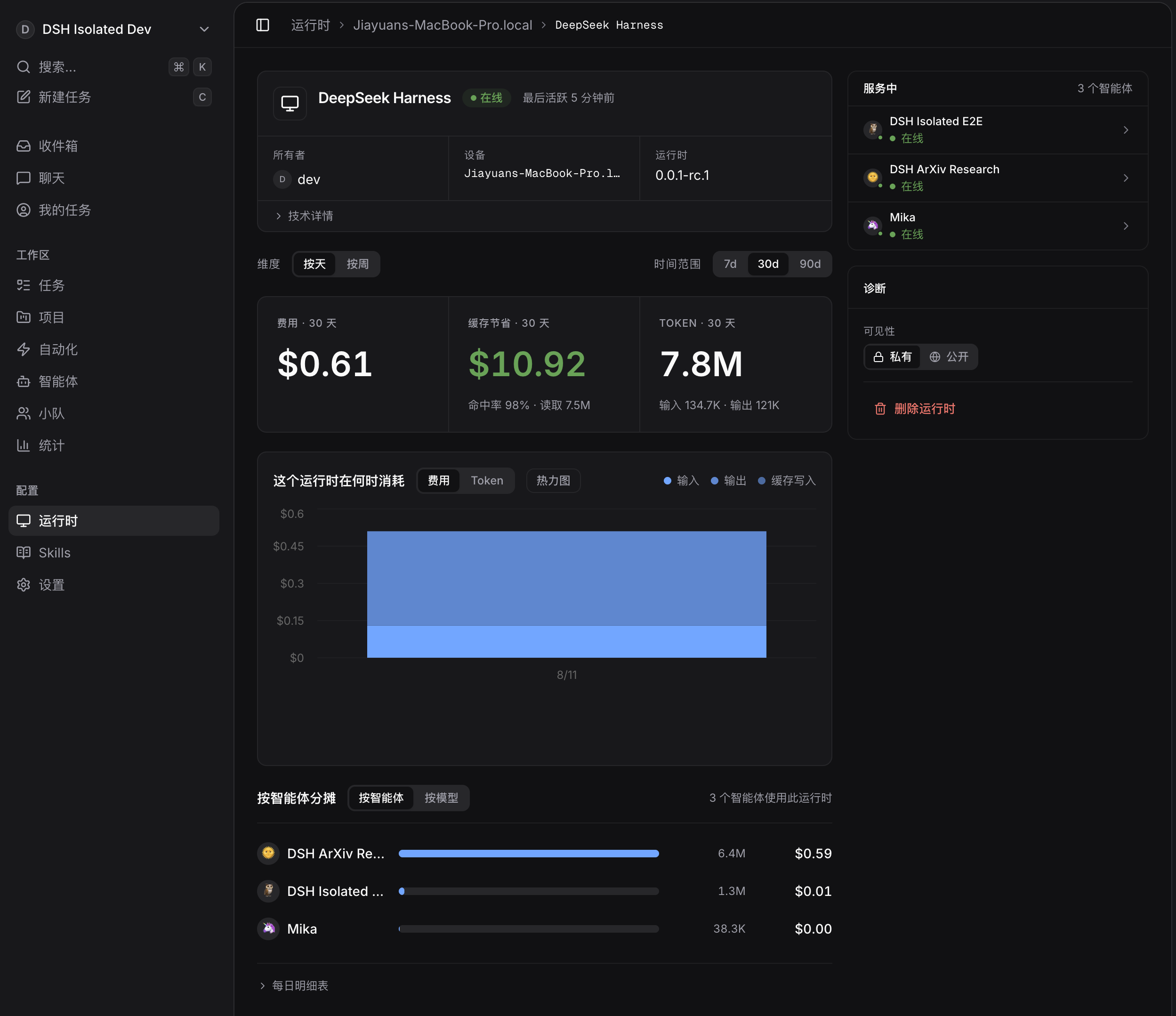
Private, out-of-tree runtime bridge between Multica and the public
DeepSeek Harness. It exposes
a versioned JSONL protocol over stdio and composes over
@deepseek-ai/dsh-base. It does not require changes to DeepSeek Harness.
Privacy
- This repository contains only the Multica integration layer. It does not vendor or redistribute DeepSeek Harness source code.
- Never commit API keys, MCP secrets, session logs, or generated profiles.
- DSH telemetry is disabled by the bundle patch.
- stdout is protocol-only; diagnostics go to stderr.
Local development
The DSH packages used by this plugin are public npm packages. This checkout is
currently validated against @deepseek-ai/[email protected] and its matching
@deepseek-ai/dsh-* package family.
pnpm install
pnpm check
pnpm build
Install the local bundle into a DSH profile after building it:
dsh plugin --profile multica add /absolute/path/to/multica-dsh-runtime
The plugin supports:
dsh --profile multica --probe
dsh --profile multica --list-models
dsh --profile multica --stdio
Multica discovers the profile only after --probe returns protocol version 1.
For a non-standard DSH installation, point the daemon at its launcher:
export MULTICA_DSH_PATH=/absolute/path/to/dsh
The runtime contract includes:
- model and thinking-level discovery from DSH itself;
- committed text, reasoning, tool, result, and token-usage events;
- cooperative cancellation and durable session resume;
- canonical Multica MCP configuration translated to DSH stdio or streamable-HTTP clients;
- per-runtime/agent session roots supplied by the Multica daemon;
- headless one-shot approvals, with no interactive question surface.
- narrowly forwards only Multica's server-minted
mat_task token into DSH's otherwise credential-scrubbed shell, so in-taskmulticacommands retain task attribution without exposing model-provider credentials.
The local .local/ tree is ignored. It may hold an isolated DSH home and a
development launcher, but neither belongs in source control.
DEEPSEEK_API_KEY is read by DSH's credential provider at process runtime. It
must not be stored in this repository.
Read the usage guide →
Install steps, key points, FAQ and compatibility for this plugin — auto-derived from indexed fields.
Listing badge

[](https://deepseek-plugin.org/plugins/multica-ai/dsh-multica-runtime)Paste this markdown into your GitHub README to link back to this listing. The badge only states the listing — not a security endorsement.