Core theme definitions for DeepSeek Harness, providing a foundation for color and style variations.
ⓘ This plugin is a sub-package of the orxz/deepseek-harness-themes monorepo — stars and activity count the whole repository.

- Language
- TypeScript
- License
- MIT
- Branch
- main
Install
$ dsh plugin --profile web add @dshthemes/coreRun the command above in your terminal to install this plugin via the dsh CLI. You can switch Profile in the top-right corner. New to dsh? Read the beginner tutorial
Install via your agent
Install the DeepSeek Harness plugin orxz/deepseek-harness-themes/packages/core for me: review the repository at https://github.com/orxz/deepseek-harness-themes first, then run the install command and verify the plugin loads successfully.
Paste this instruction to the DSH Web GUI assistant — it will install and verify for you.


A collection of UI themes for deepseek-harness.
One harness. Multiple styles.
Community-maintained theme collection built on the official theme extension point (ctx.theme from @deepseek-ai/dsh-client-ui-theme). It focuses only on the visual experience — colors, surfaces, states, code blocks, tool calls, terminal UI. No model changes, no agent changes, no prompt changes, no protocol changes.
Packages
| Package | Role |
|---|---|
@dshthemes/core | Eleven ThemeDefinitions, the REQUIRED_TOKENS contract, and registerThemes(registry); zero UI |
@dshthemes/ui | Client plugin: registers all themes, adds a Theme picker row to Settings → General, persists third-party selection |
Themes
Every preview is generated from that theme's own tokens; the full gallery is docs/previews.md.
| Theme | Base | Preview |
|---|---|---|
| DeepSeek | light — clean DeepSeek-inspired blue | 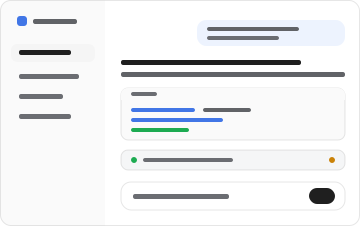 |
| OLED | dark — true black for emissive panels | 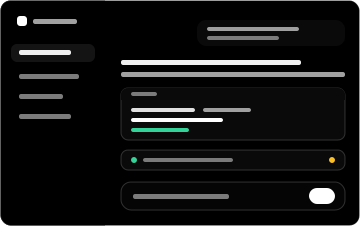 |
| Dracula | dark — high-contrast purple/indigo | 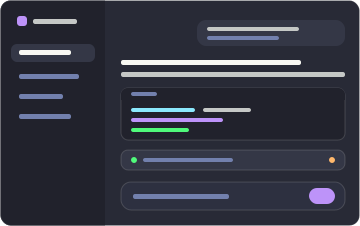 |
| Catppuccin | dark — soft pastel (Mocha) | 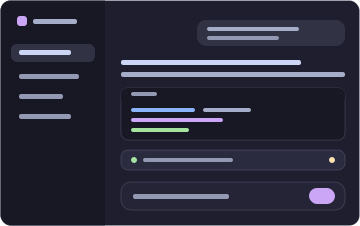 |
| Tokyo Night | dark — midnight blue with neon accents | 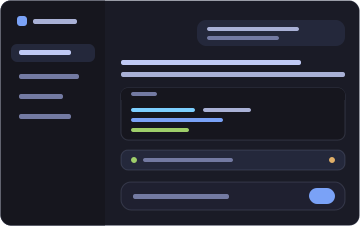 |
| GitHub Dark | dark — familiar GitHub interface | 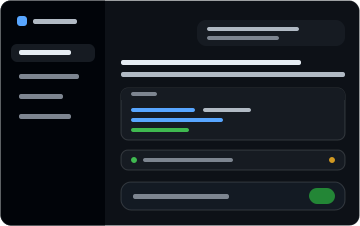 |
| Solarized | dark — scientific teal, yellow accent | 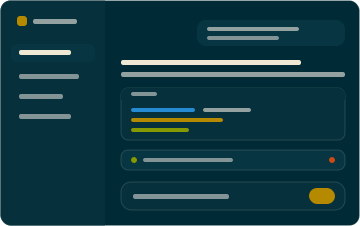 |
| Gruvbox | dark — retro warm palette, orange | 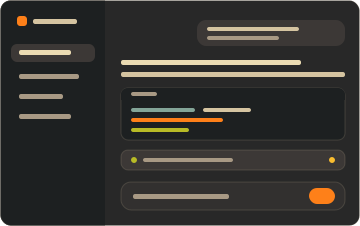 |
| Nord | dark — arctic north-blues, frost | 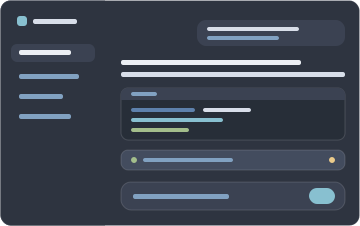 |
| Synthwave '84 | dark — neon pink/cyan on deep violet | 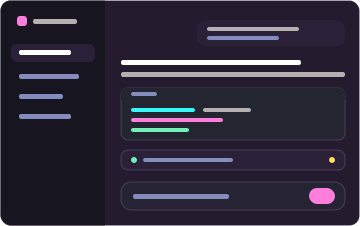 |
| Cobalt2 | dark — cobalt blue, signature yellow | 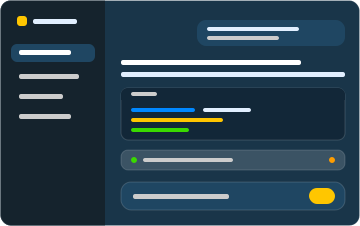 |
Install
Two commands: one installs the dependency, adds the layer to the profile, and mounts the feature; the other starts the Web surface.
dsh plugin --profile web add @dshthemes/ui
dsh web
web is the shipped Web profile and initializes on first use. Pick a theme under Settings → General; the selection persists, so nothing else runs from a terminal.
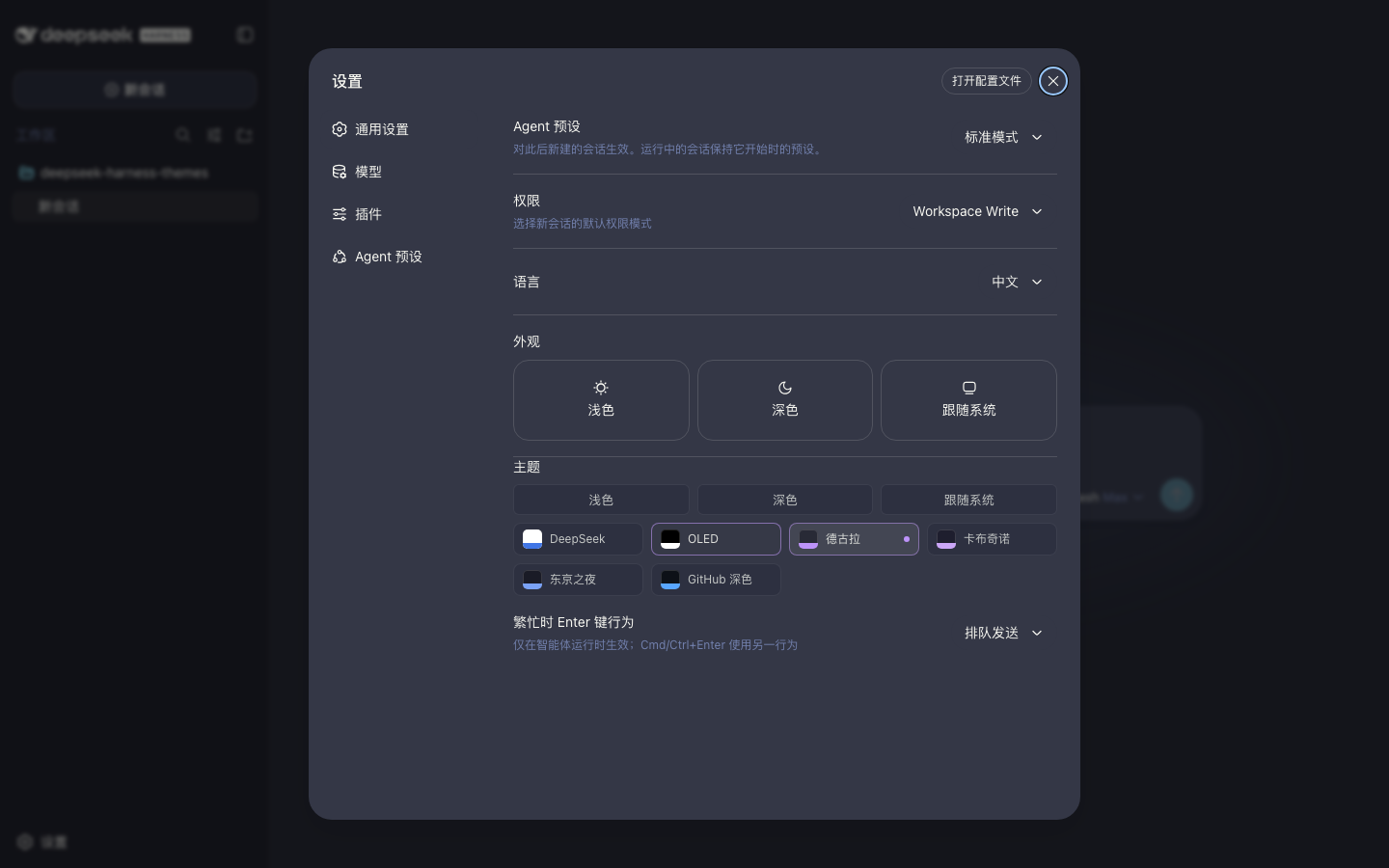
Remove it just as easily:
dsh plugin --profile web remove @dshthemes/ui
See docs/installation.md for the core-only shape, installing from a source checkout, the hand-written patch alternative, local development, and troubleshooting.
Theme philosophy
Themes change how deepseek-harness looks, not how it behaves. A theme is easy to install, easy to switch, easy to customize, consistent across UI states, comfortable during long coding sessions, and independent from agent logic. The token contract is docs/theme-spec.md.
Contributing
Community themes are welcome — docs/creating-a-theme.md is the ordered guide. Standing orders live in AGENTS.md.
Participation follows the Code of Conduct. Report vulnerabilities privately through the security policy.
License
MIT
Read the usage guide →
Install steps, key points, FAQ and compatibility for this plugin — auto-derived from indexed fields.
Listing badge

[](https://deepseek-plugin.org/plugins/orxz/deepseek-harness-themes/packages/core)Paste this markdown into your GitHub README to link back to this listing. The badge only states the listing — not a security endorsement.