Provides native Windows shell and Workspace Write sandbox presets for DSH without WSL. Sandboxed sessions use busybox-w32 and unrestricted sessions use Git Bash. Includes legacy text decoding and setup diagnostics.

- Language
- TypeScript
- License
- MIT
- Branch
- master
Install
$ dsh plugin --profile web add dsh-win32Run the command above in your terminal to install this plugin via the dsh CLI. You can switch Profile in the top-right corner. New to dsh? Read the beginner tutorial
Install via your agent
Install the DeepSeek Harness plugin sjh9714/dsh-win32 for me: review the repository at https://github.com/sjh9714/dsh-win32 first, then run the install command and verify the plugin loads successfully.
Paste this instruction to the DSH Web GUI assistant — it will install and verify for you.
Native Windows. No WSL.
One command. Workspace Write.
Run DSH Minimal mode on Windows with the sandboxed preset.
npx dsh-win32 setup --sandboxed
This preset uses busybox ash, so Git Bash and WSL are not required.




See it work
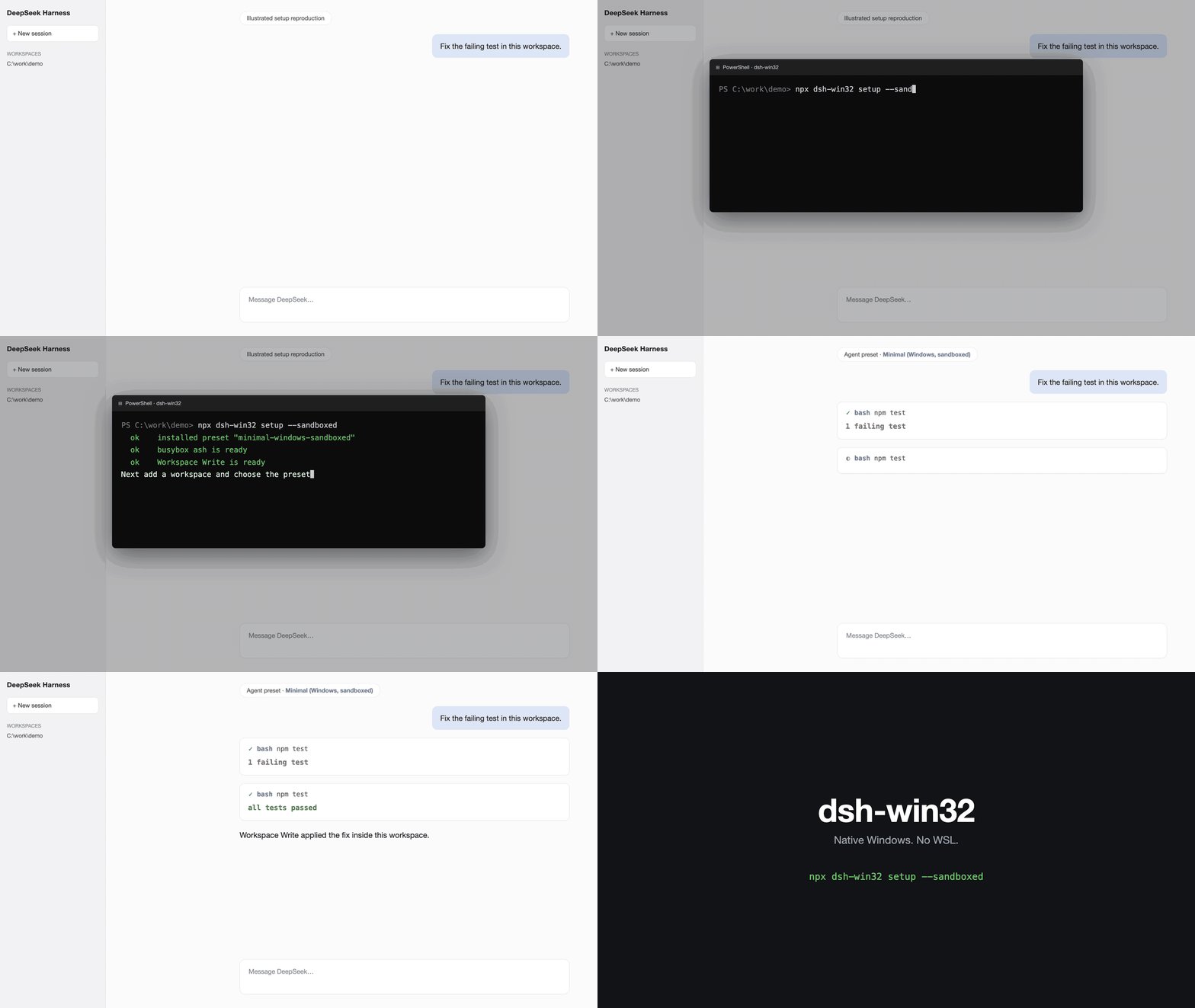
Illustrated installation reproduction. This is not a real capture.
Real Windows session.
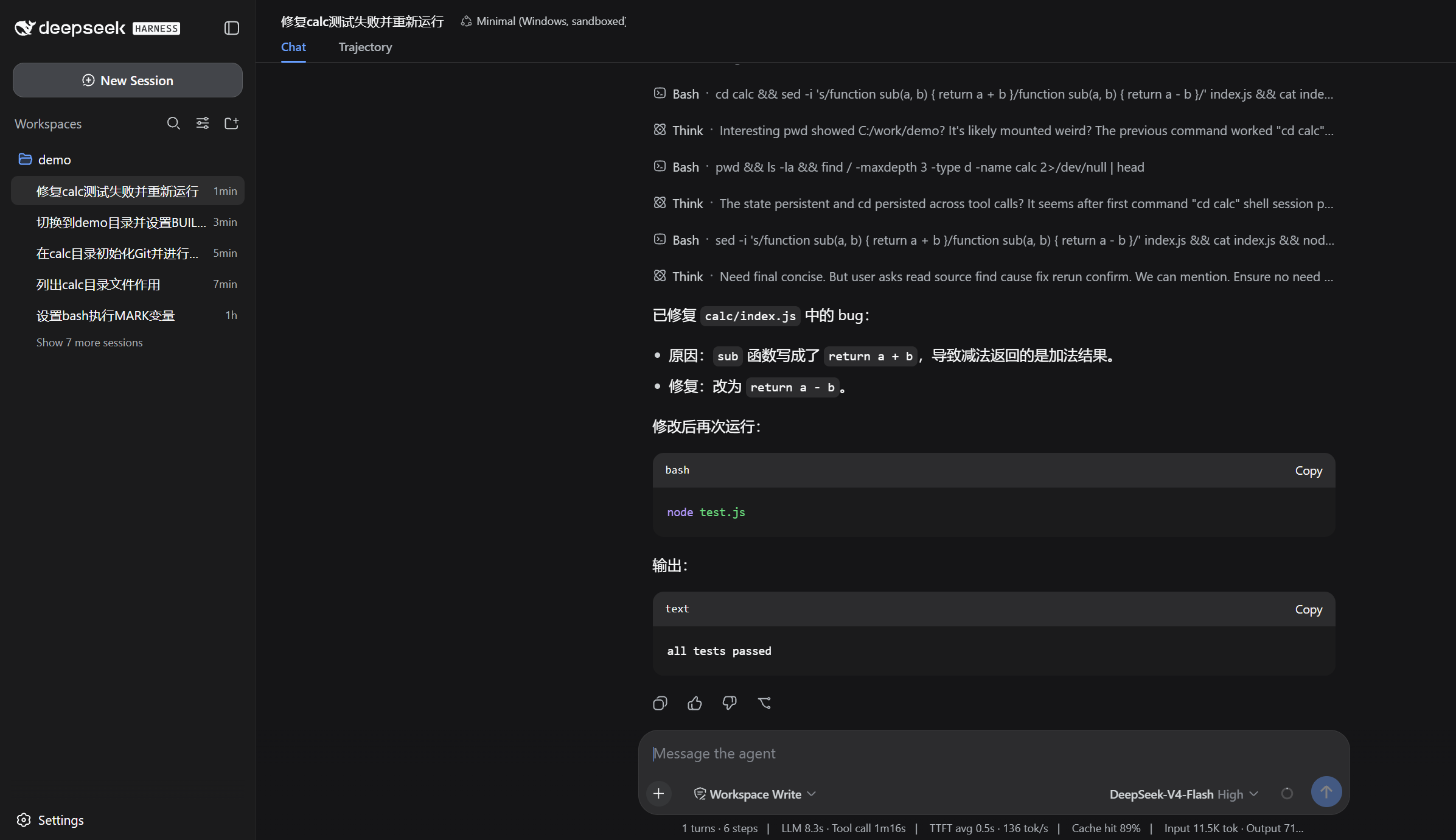
The real session runs a failing test, reads the source, applies a fix, and reruns it to all tests passed in Workspace Write.
Choose a preset
After setup, start DSH, add a workspace, and choose the preset.
- Minimal (Windows, sandboxed) uses busybox ash inside
Workspace Write. Install it withnpx dsh-win32 setup --sandboxed. - Minimal (Windows) uses Git Bash and needs
danger-full-access. Install it withnpx dsh-win32 setupafter installing Git for Windows.
Doctor
npx dsh-win32 doctor
doctor lists known Windows setup traps and their safe fixes. Use npx dsh-win32 fix for fixes it can apply safely.
Honest limits
- The sandboxed preset is ash, not Bash. It does not support arrays or
[[ ]]. - Legacy-encoded files are read automatically, but saving an edited file writes UTF-8.
- Treat
C:\tmpas outside the expected write fence until the upstream Windows path issue is fixed.
Read the Windows details, evidence, and complete limitations. Read the Chinese translation.
License
MIT. The preset composition mirrors the official Minimal preset with credit.
Read the usage guide →
Install steps, key points, FAQ and compatibility for this plugin — auto-derived from indexed fields.
Listing badge

[](https://deepseek-plugin.org/plugins/sjh9714/dsh-win32)Paste this markdown into your GitHub README to link back to this listing. The badge only states the listing — not a security endorsement.